
Download Hola Free VPN APK – free vpn, bypass geo restrictions, access blocked content, peer-to-peer vpn, streaming, Netflix, Amazon Prime Video, Disney+, secure internet, online privacy, public wifi protection
Overview
Hola Free VPN is a free-to-use privacy tool designed to help users bypass regional restrictions and access blocked content across the internet. The software enables users to route their internet traffic through devices belonging to other users in a peer-to-peer network, allowing them to appear as if they are connecting from a different country. This functionality makes it useful for accessing region-locked streaming services such as Netflix, Amazon Prime Video, and Disney+ as well as websites restricted by governments or Internet Service Providers (ISPs). The application is intended for individuals seeking unrestricted access to global content, including students, travelers, and general internet users who encounter digital barriers.
Developed by Hola Networks Ltd., the software operates as a desktop and mobile application, supporting multiple platforms including Windows, Mac, Android, and iOS. Its core purpose is to enhance online privacy and provide freedom of access to digital content. Real-world use cases include accessing academic resources, joining international Reddit communities, or watching region-specific media. While the software claims to offer secure internet connectivity, the peer-to-peer architecture raises questions about data handling and long-term reliability. The developer did not provide additional details on network security protocols or encryption standards beyond general claims.
Key Features & Capabilities
- Geo-Blocking Bypass – Allows users to change their virtual location by connecting through servers in various countries, enabling access to region-restricted content such as streaming platforms and news websites.
- Peer-to-Peer Network Routing – Uses other users’ devices to route traffic, reducing reliance on centralized servers and lowering operational costs for the service.
- Automatic Server Selection – Offers an option to let the app choose the best available connection based on speed and availability.
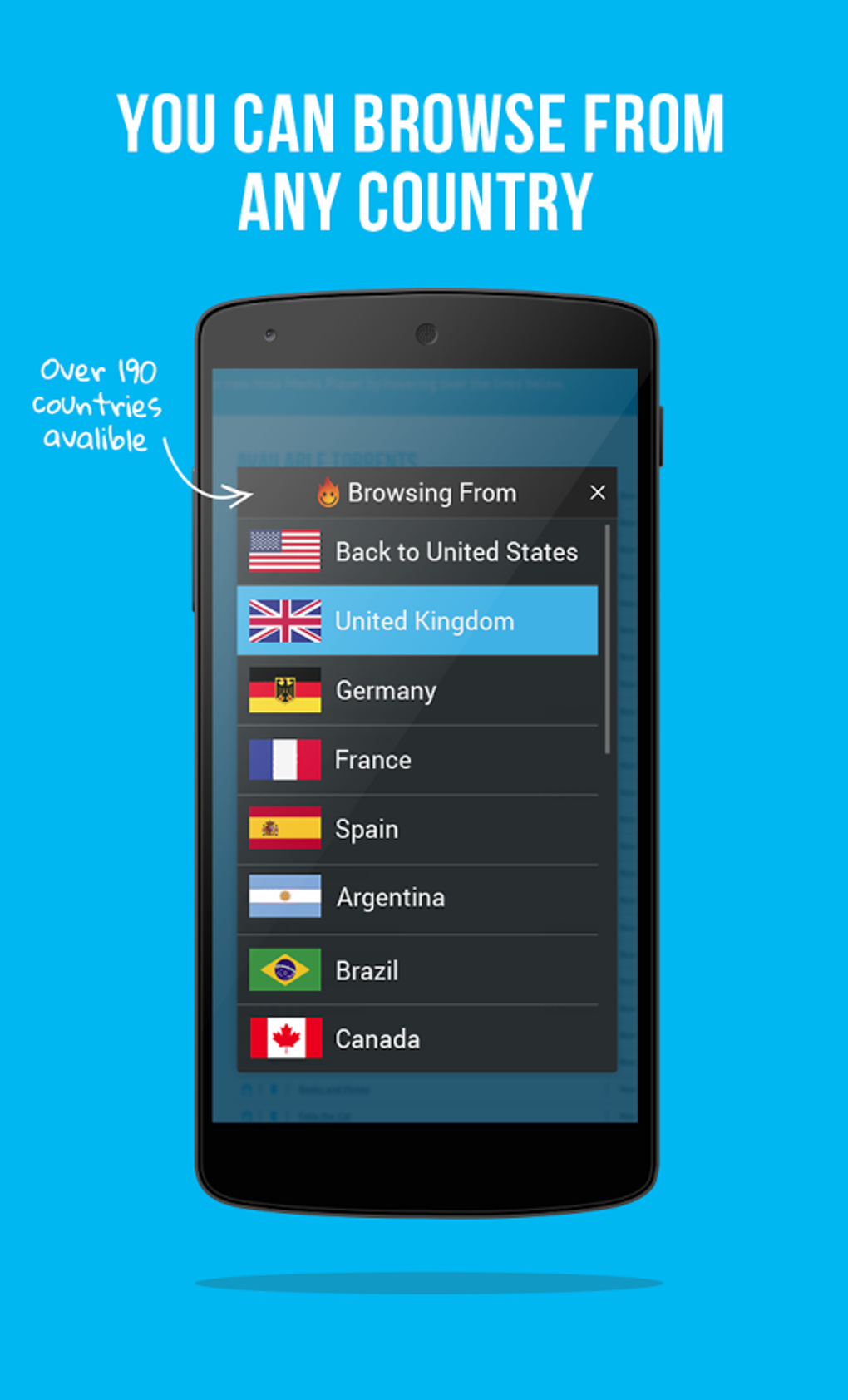
- Manual Country Selection – Users can select specific countries to connect through, giving control over their virtual location.
- Multi-Platform Support – Available on Windows, Mac, Android, and iOS, allowing consistent access across devices.
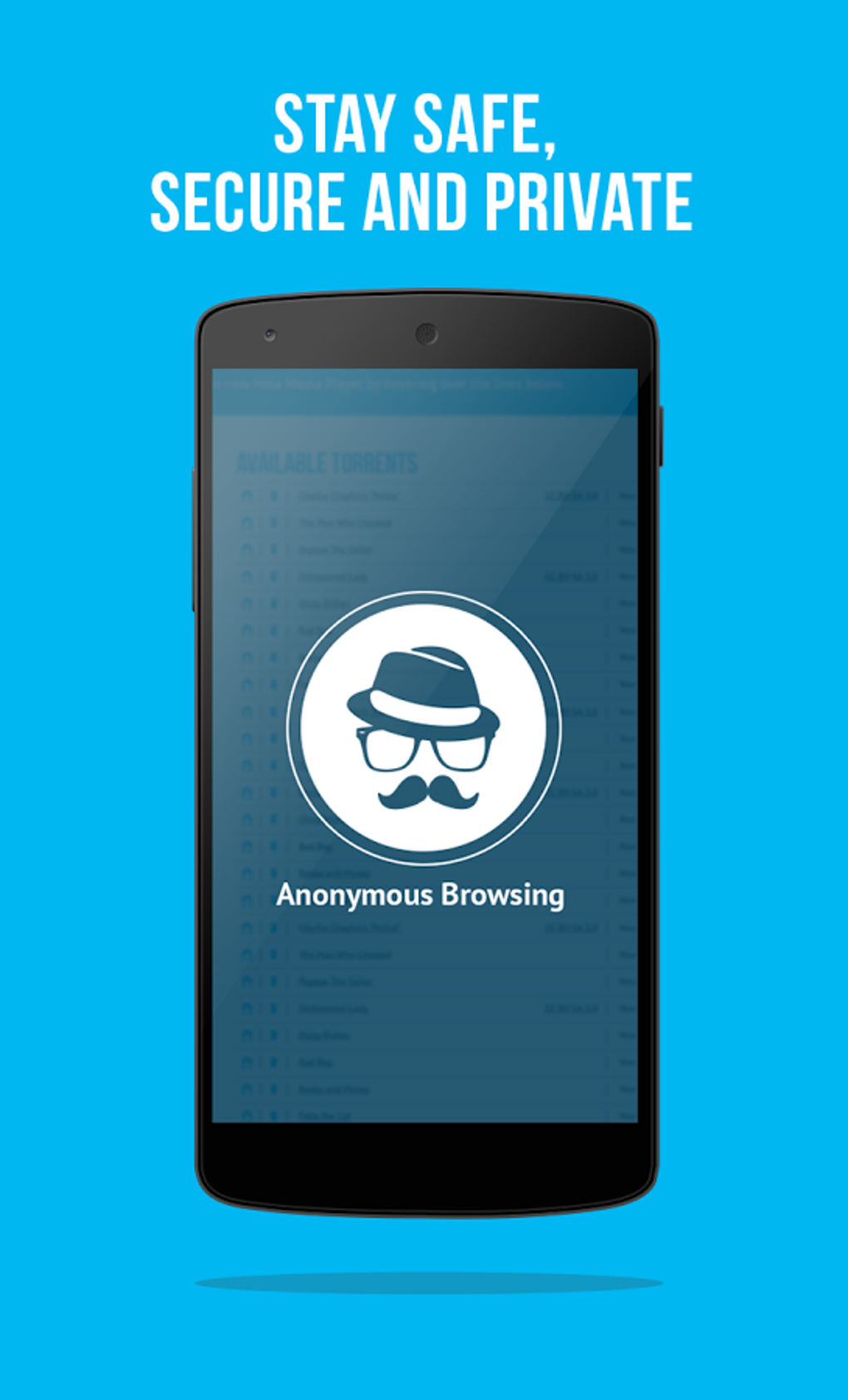
- Public Wi-Fi Protection – Encrypts internet traffic to help safeguard data on unsecured networks.
- No-Log Policy Claim – The developer asserts that user activity is not logged, aiming to preserve anonymity and privacy.
These features are particularly useful for users who need temporary access to blocked websites or want to stream international content. However, performance may vary depending on the availability and speed of peer devices. The software does not include advanced features like kill switches, DNS leak protection, or dedicated IP addresses, which are common in premium services.
User Interface, Workflow & Performance
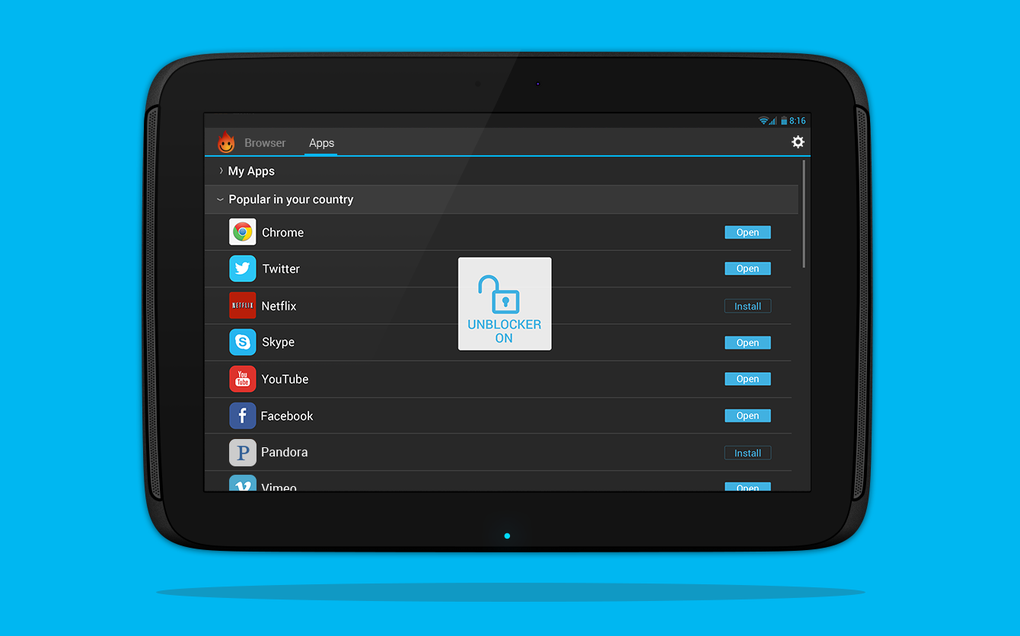
The user interface of Hola Free VPN is described as clean and user-friendly, with minimal visual clutter. Navigation is straightforward, allowing users to initiate a connection with a single click. The main screen displays a list of available countries and a toggle switch to enable or disable the VPN. Workflow efficiency is high for basic tasks such as connecting to a desired location or switching between options. The app does not include graphics or audio elements, focusing solely on functionality.
Performance observations are based on general software behavior patterns. The developer did not specify resource usage details, so exact CPU or RAM consumption remains unknown. Users may experience fluctuations in connection speed depending on the availability of peer devices in the network. During peak usage times, some users have reported noticeable slowdowns, which can affect streaming quality and browsing responsiveness. Stability appears to be adequate for short-term use, but long-term reliability may be impacted by network congestion or inconsistent peer availability.
Compatibility & System Requirements
Hola Free VPN is compatible with Windows, Mac, Android, and iOS operating systems. The software version is 2.2.3, and the installation size is 35.8 MB. This relatively small footprint makes it suitable for devices with limited storage. However, exact system requirements were not listed, so users should ensure their device meets general standards for running modern desktop and mobile applications.
Platform compatibility information is limited to the listed operating systems. No specific hardware requirements were provided, nor were there details on minimum processor speed, RAM, or storage capacity. The developer did not specify whether the software supports older versions of Windows or Mac OS. Users should exercise caution when installing on outdated systems, as compatibility issues may arise.
Pros and Cons
Pros
- Free to use with no subscription required
- Simple and intuitive user interface
- Supports multiple platforms including Windows, Mac, Android, and iOS
- Enables access to geo-restricted content like Netflix and Amazon Prime Video
- Offers encryption for public Wi-Fi protection
- Uses a peer-to-peer network to reduce infrastructure costs
Cons
- Potential slowdowns in internet speed due to peer-to-peer routing
- Security concerns related to sharing bandwidth with other users
- Unpredictable performance during high-traffic periods
- Limited control over network routing and server selection
- No dedicated servers or advanced security features
- Some users report difficulties connecting to certain websites or services
FAQ Section
Is Hola Free VPN safe to use?
The software claims to encrypt internet traffic and maintain a no-log policy, which helps protect user privacy. However, the peer-to-peer architecture introduces potential risks, as traffic is routed through other users’ devices. The developer did not provide detailed security documentation, so users should exercise caution when transmitting sensitive data.
Can I use Hola Free VPN on multiple devices?
Yes, the software is available on Windows, Mac, Android, and iOS, allowing users to install and use it across different devices. However, simultaneous connections on multiple devices are not confirmed in the provided information.
Does Hola Free VPN work with streaming services like Netflix?
It is designed to bypass geo-restrictions and has been reported to work with services like Netflix, Amazon Prime Video, and Disney+. However, access may vary depending on the platform’s detection mechanisms and the availability of suitable peer connections.
Is there a paid version of Hola Free VPN?
Yes, a paid version is available that offers faster speeds and dedicated servers, particularly optimized for streaming. The free version remains functional but may have limitations in performance and reliability.
Does Hola Free VPN require an internet connection to work?
Yes, a stable internet connection is required to establish and maintain a VPN session. The software does not support offline usage.
Final Thoughts + CTA
Hola Free VPN presents a straightforward solution for users seeking to bypass regional restrictions and access blocked content. Its peer-to-peer model enables broad availability at no cost, making it accessible to a wide audience. While the interface is clean and easy to navigate, performance can be inconsistent due to reliance on other users’ devices. Security concerns remain a notable consideration, particularly for those handling sensitive information.
It is best suited for casual users who need temporary access to international content and are willing to accept potential speed reductions. For professionals or individuals requiring high-speed, secure, and reliable connections, alternative services may be more appropriate. Overall, Hola Free VPN is a functional tool for basic privacy and access needs.
Download Hola Free VPN APK now





.png)

